
Bulk Utility (Deprecated)
Alation Cloud Service Applies to Alation Cloud Service instances of Alation
Customer Managed Applies to customer-managed instances of Alation
Warning
Deprecation Notice — Alation deprecated the Bulk Utility for Alation Cloud Services in version 2026.4.1.0. The feature may continue to function as-is but has known issues and limitations. Alation no longer accepts new support cases or enhancement requests for this feature.
We recommend the following successor solutions:
For Document Hubs: Use Bulk Management — Bulk Curate Documents, which supports both Bulk Creation and Bulk Update of documents (including terms within Document Hubs) directly from the Document Hubs UI. Bulk Management reached General Availability (GA) in 2026.4.1.0.
For other object types (tables, columns, schemas, data sources, and BI objects): Use Data Dictionary to download and upload metadata via CSV for bulk updates.
For Customer-Managed instances, Alation will continue with Bulk Utility. However, Alation no longer accepts new support cases or enhancement requests for this feature.
Recommended Alternatives
Use Case |
Recommended Solution |
Documentation |
|---|---|---|
Bulk creation of documents in Document Hubs |
Bulk Management (Bulk Creation) |
|
Bulk editing of documents in Document Hubs |
Bulk Management (Bulk Update) |
|
Migrating articles to Document Hubs |
Migrate Articles to Document Hubs |
|
Bulk update of metadata for tables, columns, schemas, data sources, and BI objects |
Data Dictionary |
Overview
Note
The content below is retained for reference. The Bulk Utility may have known issues and limitations that will not be addressed.
The Bulk Utility is a beta feature that allows Server Admins and Catalog Admins to create, edit, and delete objects via file upload. The following scenarios are supported:
Bulk edit or creation of any other object type is not supported.
Note
If you’ve enabled Document Hubs, the Bulk Utility will continue to work for terms in the built-in Glossary Hub. The Bulk Utility can’t be used to create or edit documents in other document hubs.
Enable the Bulk Utility
The Bulk Utility is available to Server and Catalog Admins once a Server Admin has enabled the Bulk Utility feature flag on the Feature Configuration page:

Access the Bulk Utility
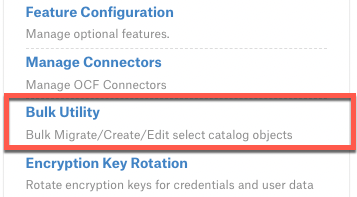
Server Admins can access the Bulk Utility tool from the Admin Settings page:
Both Server Admins and Catalog Admins can also access the Bulk Utility tool by appending /bulk-utility/ to the end of the catalog URL. The utility appears as a generated Article within Alation:
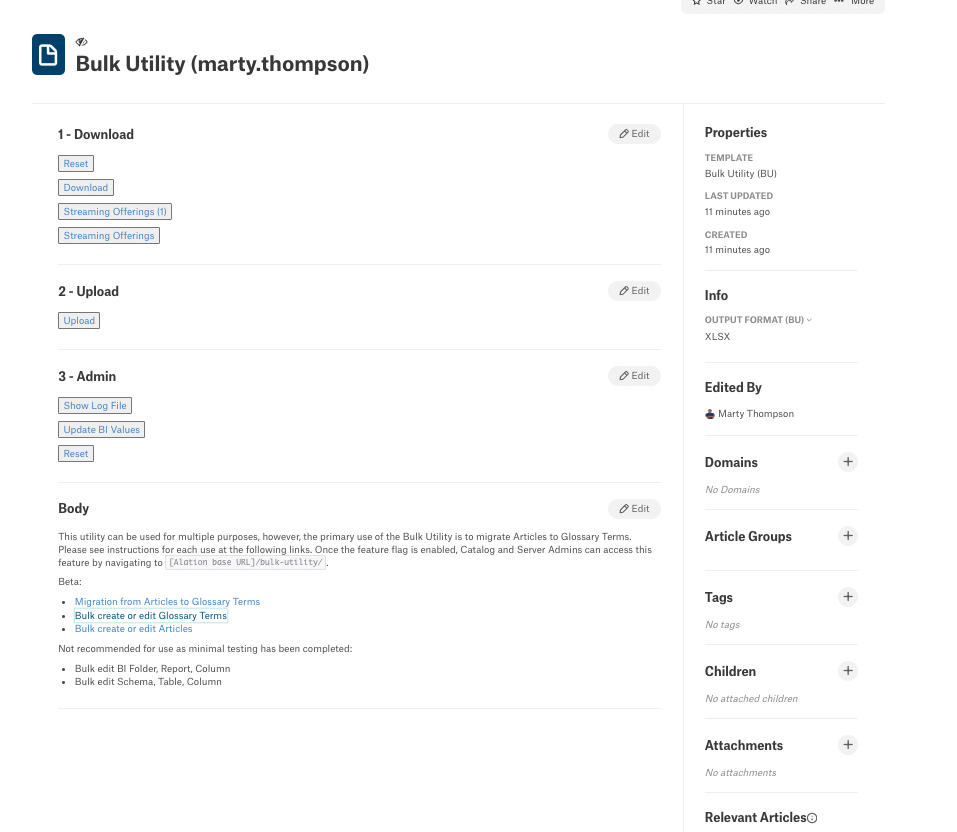
The Article is named “Bulk Utility (user.name)”, where “user.name” is the user who accessed the page. The article is set to private; only other Catalog and Server Admins can see it.
Warning
Do not change the permission settings! This ensures that this feature is used only by you—other users will have their own copy of the article with permissions set for them.