
Email Server Tab on Alation Cloud Service
Alation Cloud Service Applies to Alation Cloud Service instances of Alation
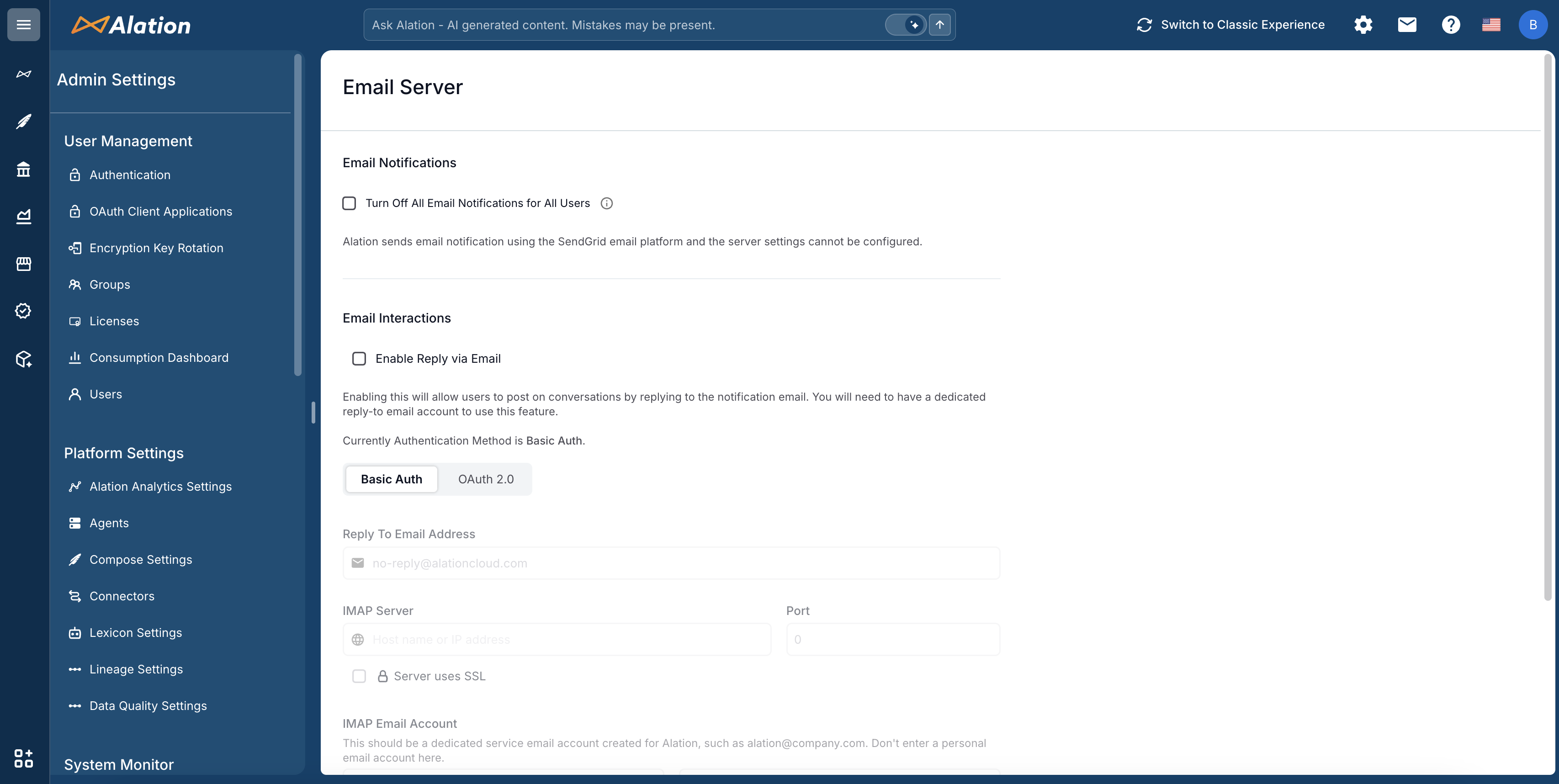
On the Email Server tab of an Alation Cloud Service instance, Server Admins can configure the following settings:
Turn off all email notifications for all users
Configure Email Interactions (Reply By Email)
Note
On Alation Cloud Service, outbound email notifications are delivered through the SendGrid email platform. SMTP server settings such as host, port, TLS, authentication credentials, sender address, and display name are managed by Alation and cannot be configured by customers. The Email Notifications section of this page does not include SMTP server configuration options.
For details on email configuration available on Alation Cloud Service, see Email Server Configuration on Alation Cloud Service.