
Delete All Lineage for a Data Source
Alation Cloud Service Applies to Alation Cloud Service instances of Alation
Customer Managed Applies to customer-managed instances of Alation
Available from version 2026.7.1.0
Delete all lineage for a data source or BI server while leaving the source and its catalog metadata in place. Use this to clear out incorrect or obsolete lineage, for example, lineage from a bad bulk upload or an import from another lineage tool. A subsequent metadata extraction (MDE) or query log ingestion (QLI) run then rebuilds the lineage. You don’t have to delete and recreate the data source itself.
Deleting all lineage removes every dataflow, link, dataflow component, and temporary object whose source or target belongs to the selected data source. The data source itself, and its schemas, tables, columns, and other catalog metadata, remain in the catalog.
Prerequisites
To use this feature, the following must be true:
You must be one of the following for the data source or BI server: an owner listed on the source, a Catalog Admin, or a user with the Data Source Admin role for that source.
Delete Lineage for a Data Source or BI Server
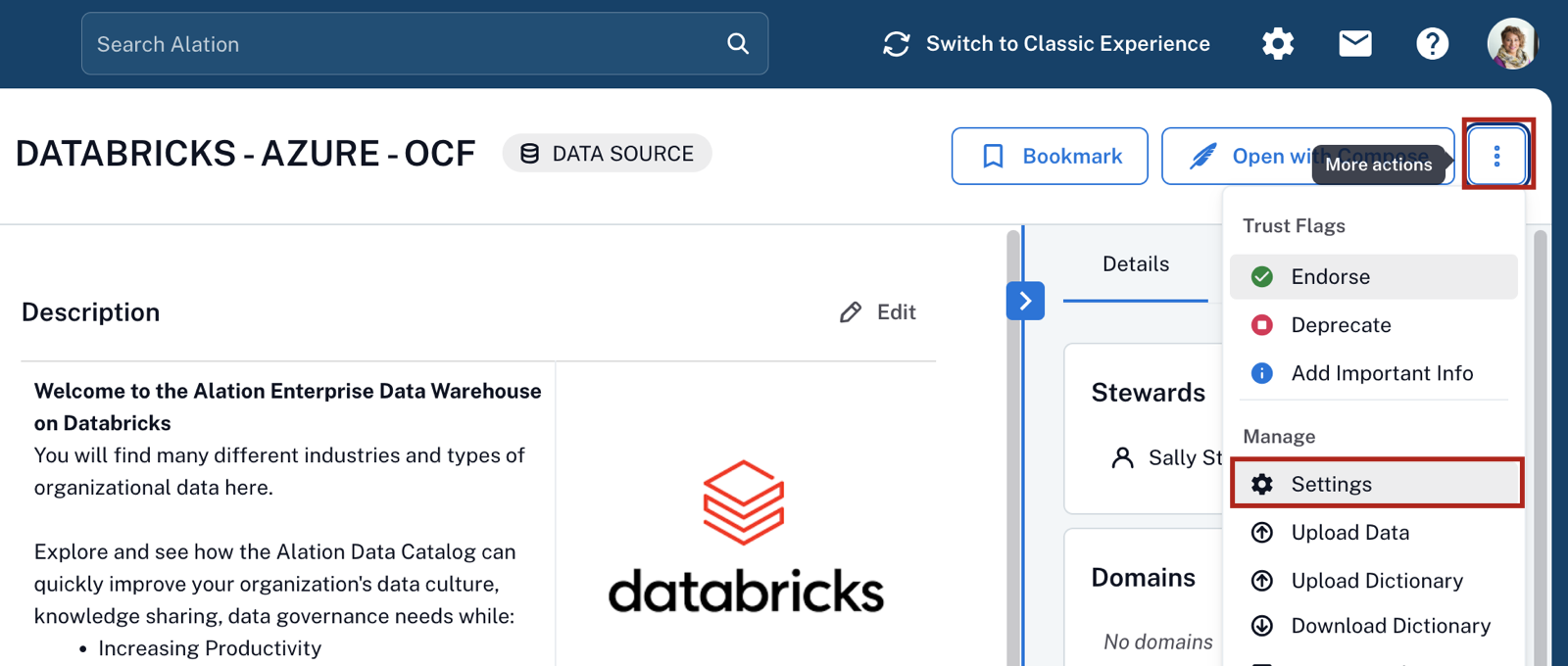
Click on the three dots icon on the top right of the data source catalog page and in the dropdown menu that opens, click Settings.
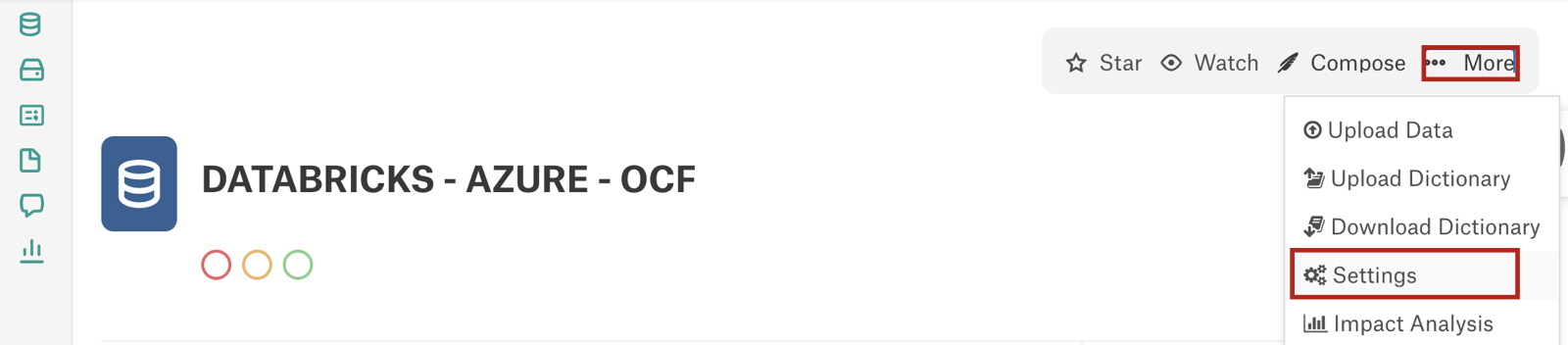
Click on More on the top right of the data source catalog page and in the dropdown menu that opens, click Settings.
On the Settings page, click the Lineage Settings tab to open it.
Scroll to the end and click Delete Lineage.
In the confirmation dialog, enter
DELETE <Datasource_Name>, then click Delete Lineage to confirm.The Delete Lineage button becomes disabled and shows the job’s progress while the deletion runs. Deletion runs as an asynchronous job, so it completes without blocking other work on the source.
Note
Only one lineage deletion job can run at a time for a given data source or BI server. If a job is already running, you can’t start another until it finishes.
When the job finishes, a status message confirms the result: All lineage for objects in this source has been permanently deleted.
Optionally, to check the job’s outcome later or after reloading the Settings page, open the Delete Lineage Job History tab under Delete Lineage in Lineage Settings.
What Happens to Lineage After Deletion
The deletion removes all dataflows, links, dataflow components, and temporary objects scoped to the data source or BI server. Lineage charts for objects in that source no longer show any lineage relationships.
The data source or BI server keeps its schemas, tables, columns, articles, and custom field values.
Deletion is one-way. Manually curated lineage doesn’t come back unless you re-create it. To restore automatically generated lineage, re-run MDE, QLI, or another lineage-generating process for the source; Alation rebuilds any lineage it can still derive from your data or query history.
Supported Server Types
This feature supports RDBMS data sources, BI servers (including Power BI, Tableau, and Qlik), and file systems.