
Access Critical Data Manager
Alation Cloud Service Applies to Alation Cloud Service instances of Alation
Important
The Critical Data Manager (CDM) is an add-on capability that requires additional license entitlement. Contact your Alation Account Manager for information about enabling it in your environment.
The CDM is accessible to all users, but capabilities depend on the user’s role:
Users with the Server Admin, Catalog Admin, or Source Admin roles can create, edit, and review CDE standards and CDEs.
Users with the Steward or Composer roles can create, edit, and review CDEs, and view CDE standards.
Only Server Admins and Catalog Admins can delete CDEs.
Users with the Viewer or Explorer roles can view CDM in read-only mode.
Once CDM is enabled in your Alation environment, users can access it directly from the left-side navigation.
To access CDM:
In the left-side navigation, click the CDM icon. This opens the CDM application.
Click the hamburger menu in the upper-left corner of the page. This expands the navigation panel and displays the main components of CDM:
Critical Data Elements: A tabular view of all Critical Data Elements (CDEs) defined in the system, including their associated catalog metadata.
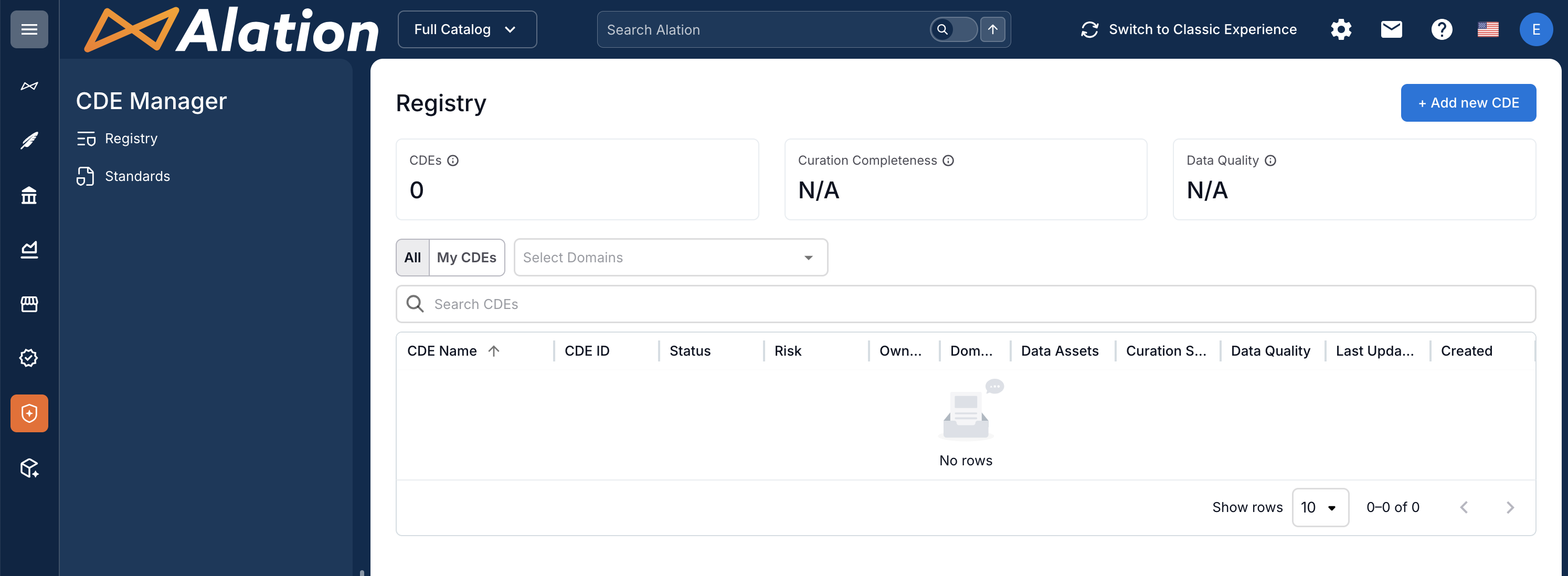
Data Consumption: A tabular view of all Data Consumptions, with their risk levels, associated CDEs, and governance status.
Standards: A tabular list of all CDE standards, with metadata describing each standard and its governance attributes.
After accessing the app, begin building your CDE program by creating CDE standards and then creating CDEs in Critical Data Elements.
Note
Both the creation of CDE standards and the creation of CDEs are AI-assisted workflows. The AI support simplifies and accelerates the management of your CDE inventory.
See next: